Journal · File security
Locking your scene files
Why RZ-7 Jackal lets you password-protect scenes and exports, what that stops, what it cannot stop, and the signing work that comes next.
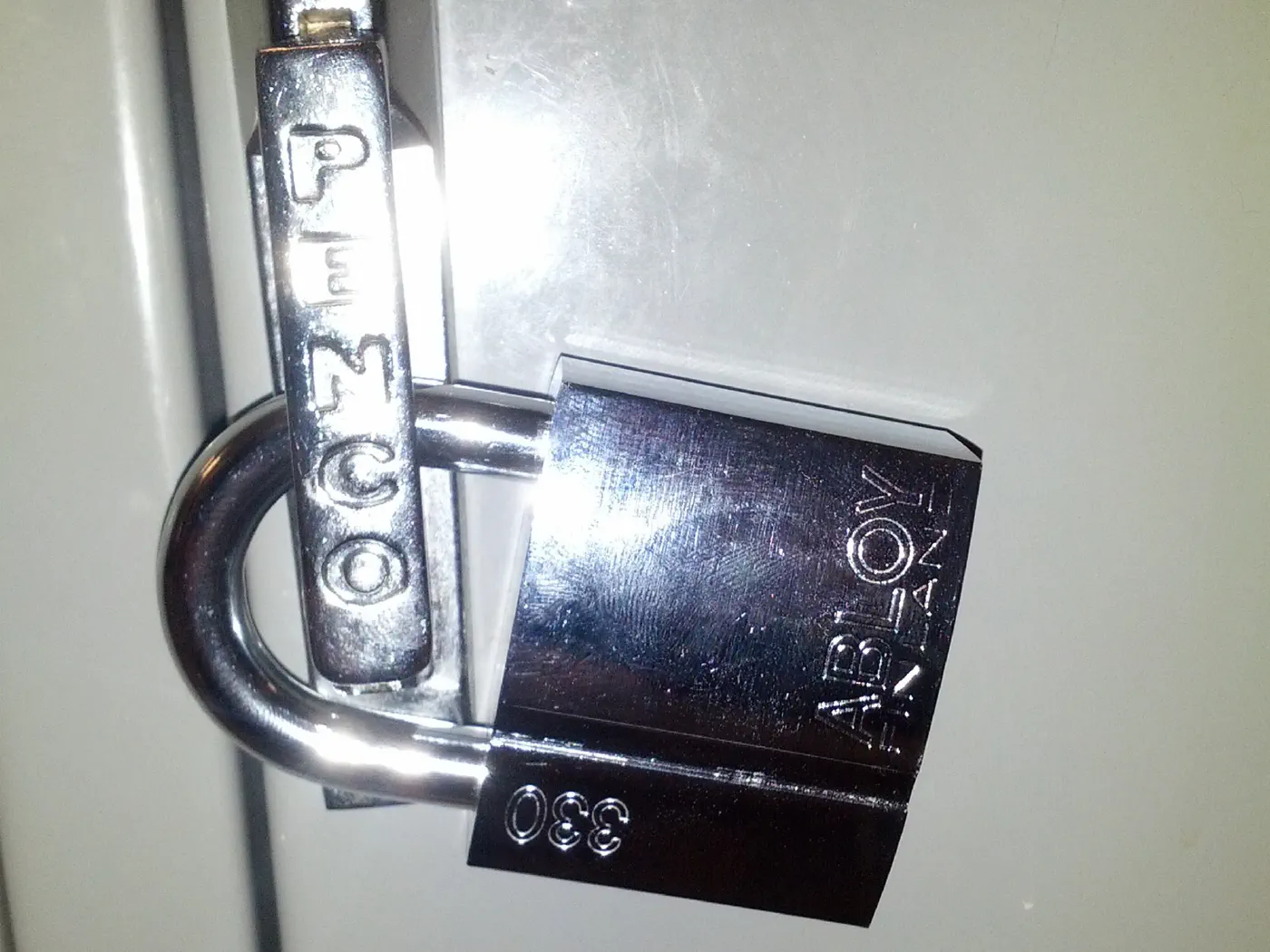

Every website asks you for a password. Your 3D files, which can hold months of work, usually have none. Upload one to a shared drive, a client portal or a cloud backup and anyone who can reach the file can read the geometry, including anyone collecting data to train models on.
RZ-7 Jackal can lock a scene with a password. You set it once, and every save and every open uses it without asking again.
What it does
A protected .jackal file is encrypted with age, an audited, widely used file encryption format, using a key derived from your password. Without the password the file is noise. Geometry, subtools, history and settings are all inside the encryption. Autosave and crash recovery are protected the same way, so a locked scene never leaves an unlocked copy next to itself.
There is no account, no server and no back door. That also means a lost password cannot be recovered, and the app says so before you set one.
Exports can be locked the same way. OBJ, STL and the other export formats have no encryption of their own, so Jackal can wrap an export in an AES-256 encrypted 7z archive with the same password. The names of the files inside are hidden too. The recipient opens it with 7-Zip, WinRAR or Keka, or imports it straight into Jackal.
Setting it up takes a minute: Password-protecting files.
What it cannot do
We want to be plain about this, because a lot of security claims are not.
- A password protects the file, not the geometry once someone can read it. Anyone you give the password to can open the scene. What happens after that is between you and them.
- An export is only locked while it stays in its archive. Once someone extracts the OBJ or STL, it is readable by anyone who gets a copy. An export saved without the archive is readable from the start.
- The name, size and dates of the scene or archive stay visible.
So a password stops a file that leaks, or sits in a shared folder, or gets swept up from somewhere it should not be, from being read. It does not make your work impossible to train on once you have handed it out in a readable form. Nothing does.
What comes next
Photos and video carry metadata saying who made them and under what license. 3D files don’t.
Jackal exports can now carry a credit: your name or pseudonym, a license, and a notice that training on the work is not permitted. It is embedded in OBJ, glTF, USD and FBX exports, and written beside an STL as a .rights.json file, since STL has nowhere to hold it.
The next step is signing for Jackal scenes: a way to attach your identity to a model and prove that the file has not been altered since you signed it. If your work ever turns up somewhere you did not permit, a signature is evidence that it is yours.
We also plan to release plugins for other 3D apps that read and write protected and signed files the same way, so the protection is not limited to just Jackal.