

Guide · Pen tablets
Pen Tablet Pitfalls
How to get pressure and other inputs working across platforms
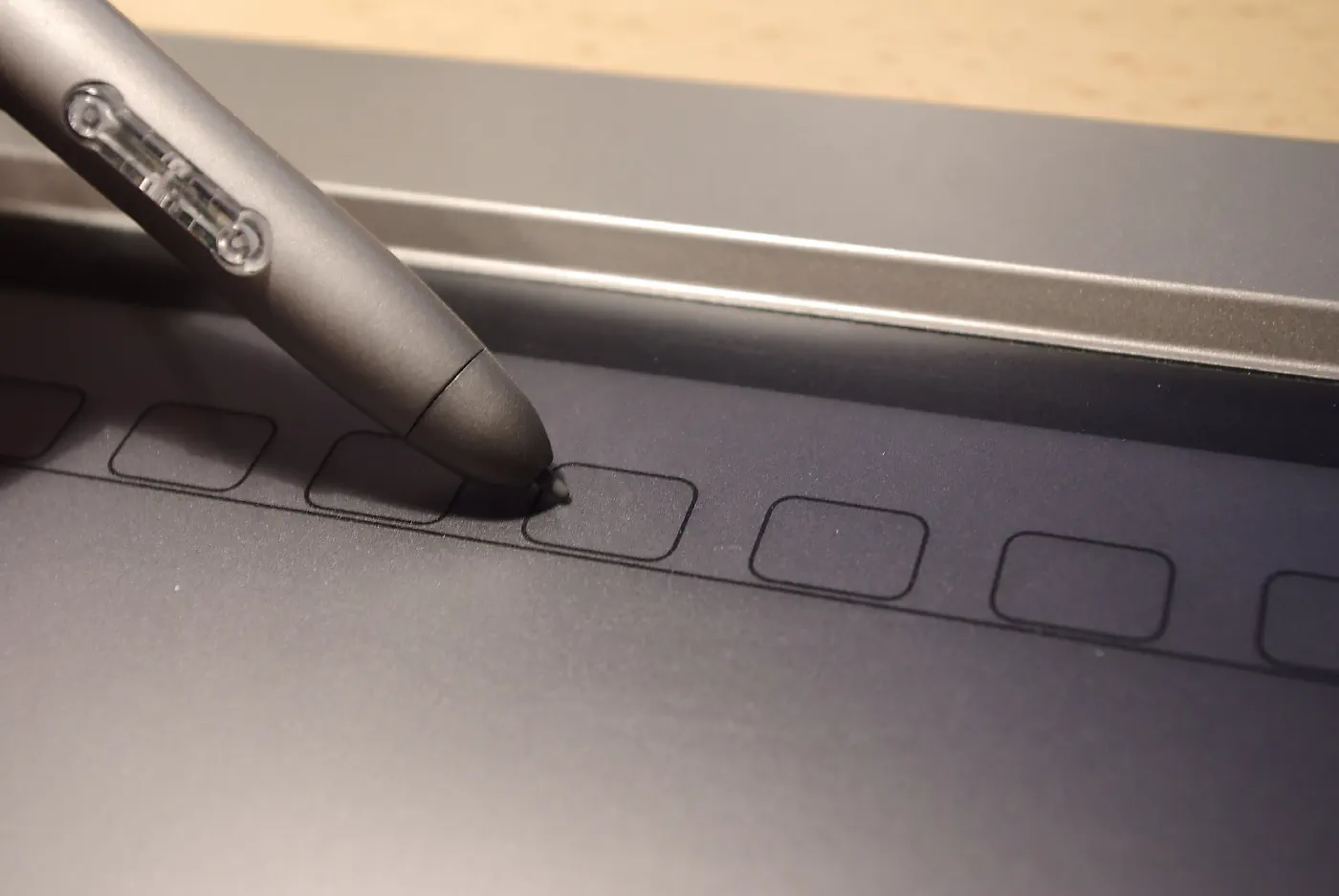

One of the primary reasons for the creation of RZ-7 Jackal was the inability for other sculpting apps to recieve pressure or even accurate pen position when used with a translation layer like Proton or Wine. On top of this the performance these apps typicall have took a hit for running in a non-native environment which for me was unacceptable. This kickstarted my journey in the the rabbit/hell hole that is tablet support on every popular operating system.
Linux Drivers
There are a few ways to get tablet inputs working. One is to install OpenTabletDriver but I found a lot of the time that linux distros actually ship with tablet input pre-supported which puts them above Windows and Mac in my opinion in usability. What isn’t super helpful is that sometimes that support isn’t there, like for one of my legacy wacom tablets.
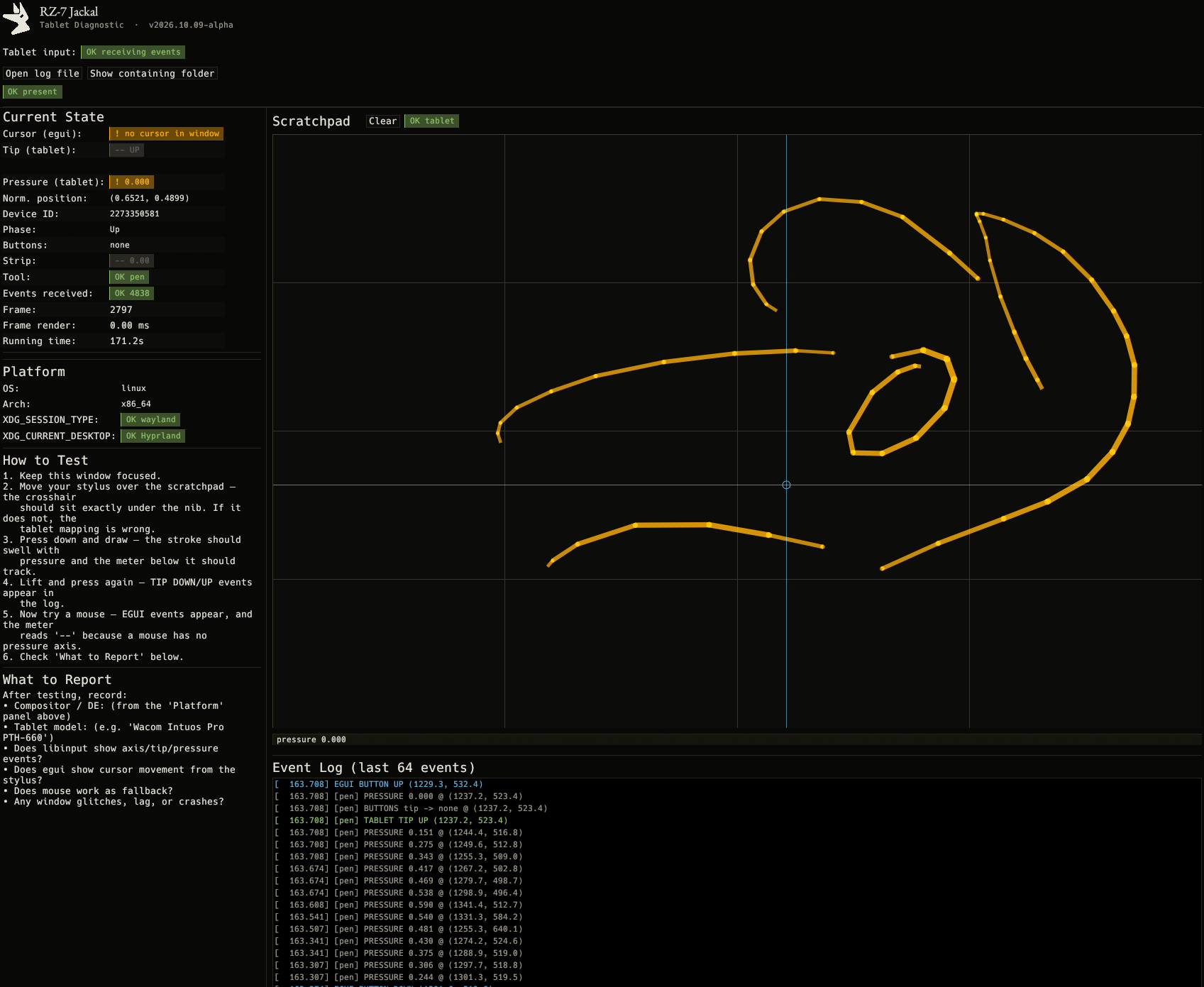
On Linux, RZ-7 Jackal reads input from the compositor, not from the driver, so it sees whatever libinput sees inside the tablet-diagnostic screen.
Windows Drivers
Windows Ink can throw a wrench into things, so if you have issues turn it off or on. Typically the workflow is to download the prorpiatary driver that you need from the vendors website and install it.
Mac Drivers
Really the same process as Windows but they do have a couple of open source drivers that are similar to OpenTabletDriver.